
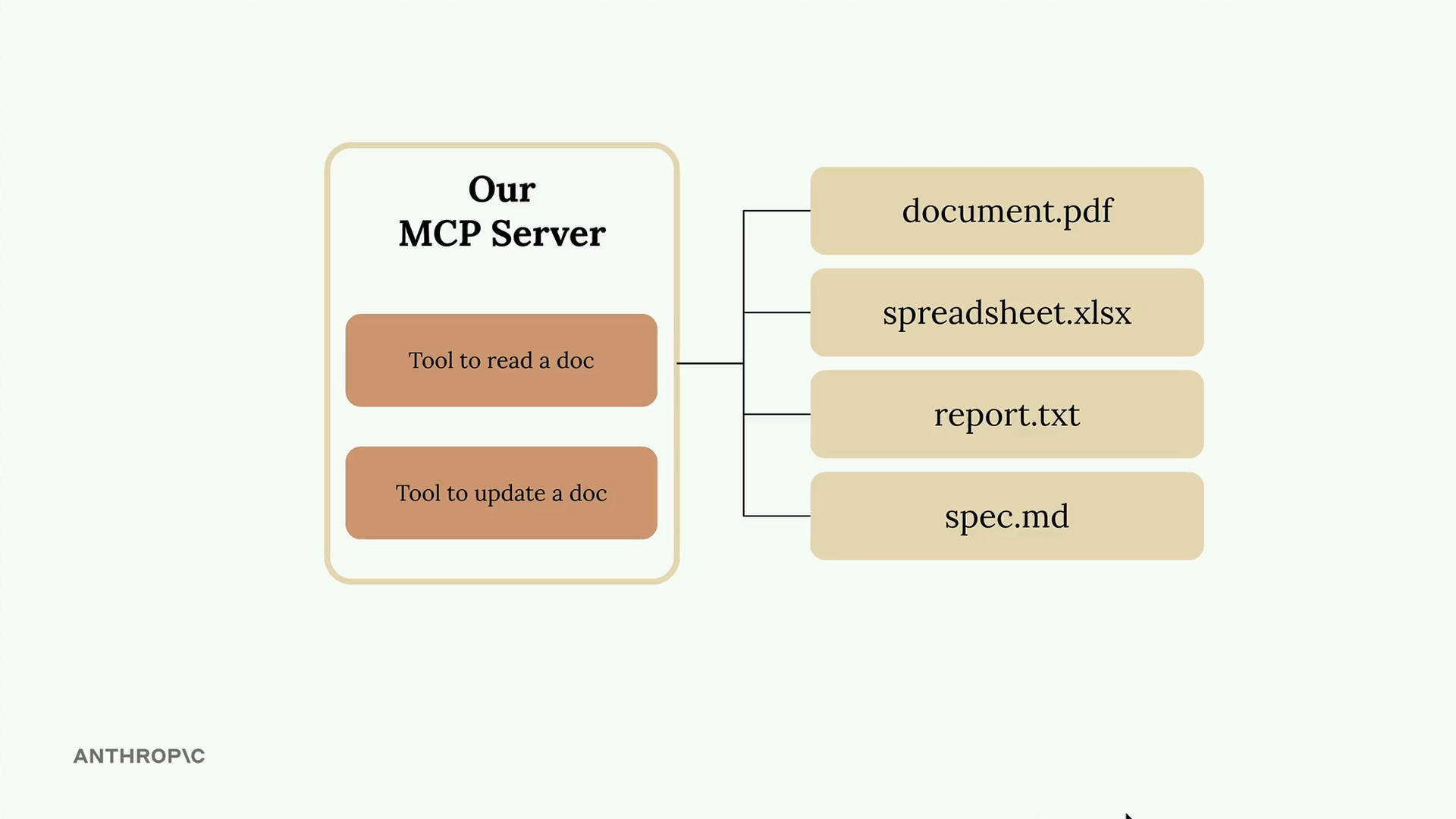
Bài này hướng dẫn cách tạo tool cho MCP server bằng Python SDK chính thức, giúp việc định nghĩa tool đơn giản hơn nhiều nhờ decorator và type hint, thay vì tự tay viết JSON schema.
Thiết lập MCP server
Phần tiêu đề “Thiết lập MCP server”Khởi tạo một instance FastMCP, và lưu tài liệu trong một dictionary trong bộ nhớ, với ID tài liệu làm key và nội dung làm value:
from mcp.server.fastmcp import FastMCP
mcp = FastMCP("DocumentMCP", log_level="ERROR")
docs = {    "deposition.md": "This deposition covers the testimony of Angela Smith, P.E.",    "report.pdf": "The report details the state of a 20m condenser tower.",    "financials.docx": "These financials outline the project's budget and expenditures",    "outlook.pdf": "This document presents the projected future performance of the system",    "plan.md": "The plan outlines the steps for the project's implementation.",    "spec.txt": "These specifications define the technical requirements for the equipment"}
Định nghĩa tool bằng decorator
Phần tiêu đề “Định nghĩa tool bằng decorator”Dùng type hint của Python và class Field từ Pydantic để định nghĩa tham số; SDK sẽ tự động sinh ra schema phù hợp cho bạn.
@mcp.tool, kèm type hint và Field.
Tool đọc tài liệu
Phần tiêu đề “Tool đọc tài liệu”Lấy nội dung tài liệu theo ID, có xử lý lỗi khi không tìm thấy tài liệu:
@mcp.tool(    name="read_doc_contents",    description="Read the contents of a document and return it as a string.")def read_document(    doc_id: str = Field(description="Id of the document to read")):    if doc_id not in docs:        raise ValueError(f"Doc with id {doc_id} not found")
    return docs[doc_id]
Tool chỉnh sửa tài liệu
Phần tiêu đề “Tool chỉnh sửa tài liệu”Thực hiện thao tác tìm-và-thay-thế trên nội dung tài liệu:
@mcp.tool(    name="edit_document",    description="Edit a document by replacing a string in the documents content with a new string.")def edit_document(    doc_id: str = Field(description="Id of the document that will be edited"),    old_str: str = Field(description="The text to replace. Must match exactly, including whitespace."),    new_str: str = Field(description="The new text to insert in place of the old text.")):    if doc_id not in docs:        raise ValueError(f"Doc with id {doc_id} not found")
    docs[doc_id] = docs[doc_id].replace(old_str, new_str)
Lợi ích chính
Phần tiêu đề “Lợi ích chính”- Loại bỏ việc tự viết JSON schema bằng tay.
- Type hint mang lại validation tự động.
- Mô tả tham số giúp Claude hiểu đúng ý nghĩa.
- Xử lý exception theo cách tự nhiên của Python.
- Tool tự động được đăng ký thông qua decorator.
lượt xem
